IPTV player for Windows · Free

Your IPTV, beautifully organised.

Tenvy is a fast, modern player for the IPTV subscription you already have. Live TV with a real programme guide and catch-up, movies and series with artwork — all in one calm, quick app.

Windows 10 and 11 · No admin rights needed · Updates itself

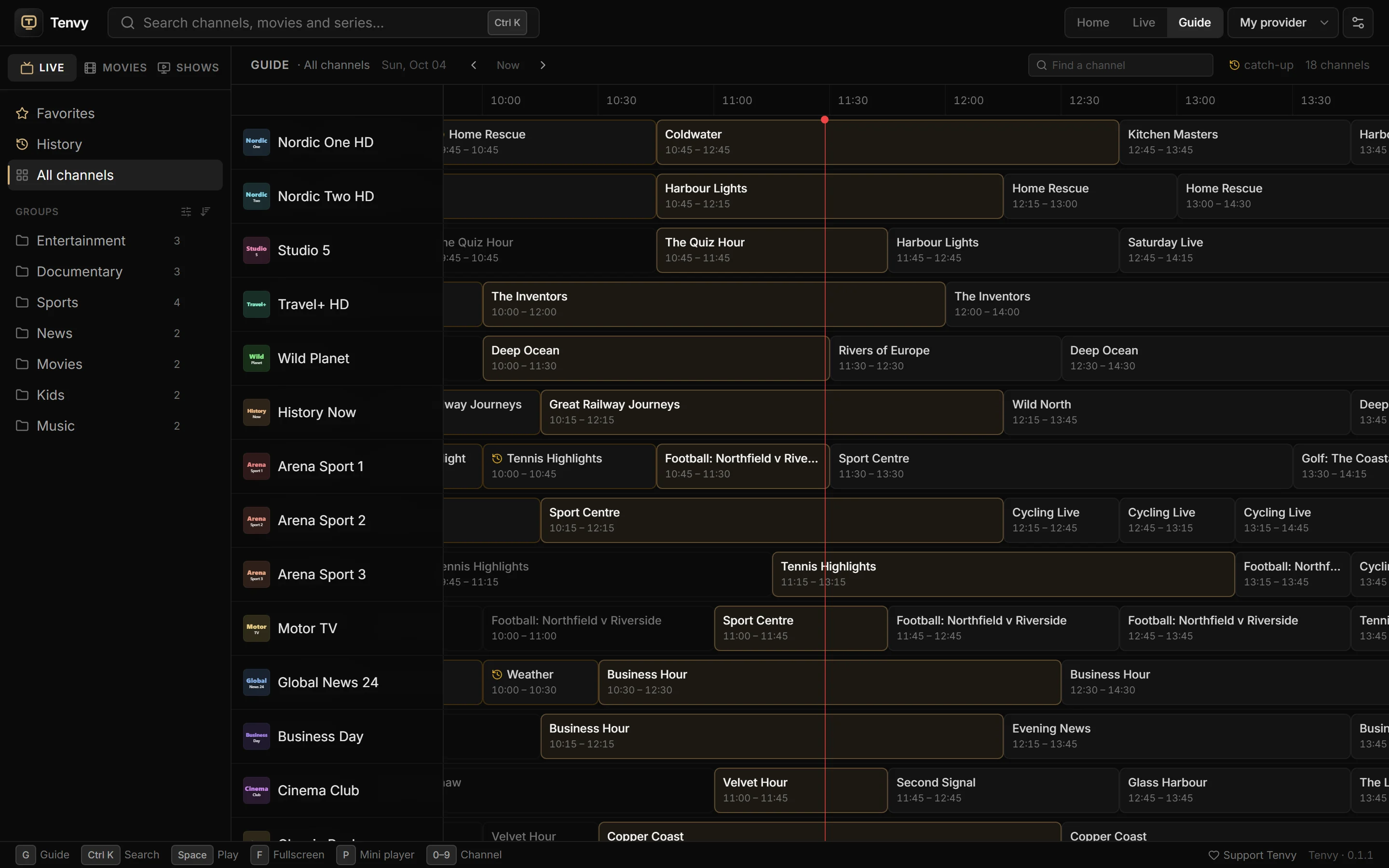
Tenvy's programme guide with live channels and what's on now
See it in action

Tenvy in under a minute.

Shown with made-up channels and films. Tenvy doesn't include any content.

Features

Everything you watch, in one place.

Built for big playlists and real evenings in front of the TV — not for fiddling with settings.

A proper TV guide

See what's on across every channel, a week back and forward, and jump straight in.

Catch-up & start over

Missed the start? Watch from the beginning, or play programmes that already aired.*

Movies & series

A poster library with ratings, plots and trailers. Seasons and episodes, with "continue watching".

Instant search

Ctrl+K finds any channel, film or show across tens of thousands of titles — as you type.

Reminders

"Remind me" on the match tonight. Tenvy taps you on the shoulder a minute before kick-off.

Mini player

Keep the game in a small always-on-top window while you work. Press P.

Reconnects by itself

Stream dropped or frozen? Tenvy picks it back up — films right where they were.

Your lists, your way

Hide the countries you never watch, order your favorites, lock adult categories with a PIN.

Picture & sound

Aspect and zoom, audio and subtitle sync, remembered languages and a sleep timer.

Home

Everything you were watching, one click away.

Tenvy opens on what matters: films to finish, channels you watch, favorites with what's on now, and what's new from your provider.

  • Continue watching, with progress
  • Recently watched and favorite channels
  • New movies and series
  • Your subscription's expiry date at a glance
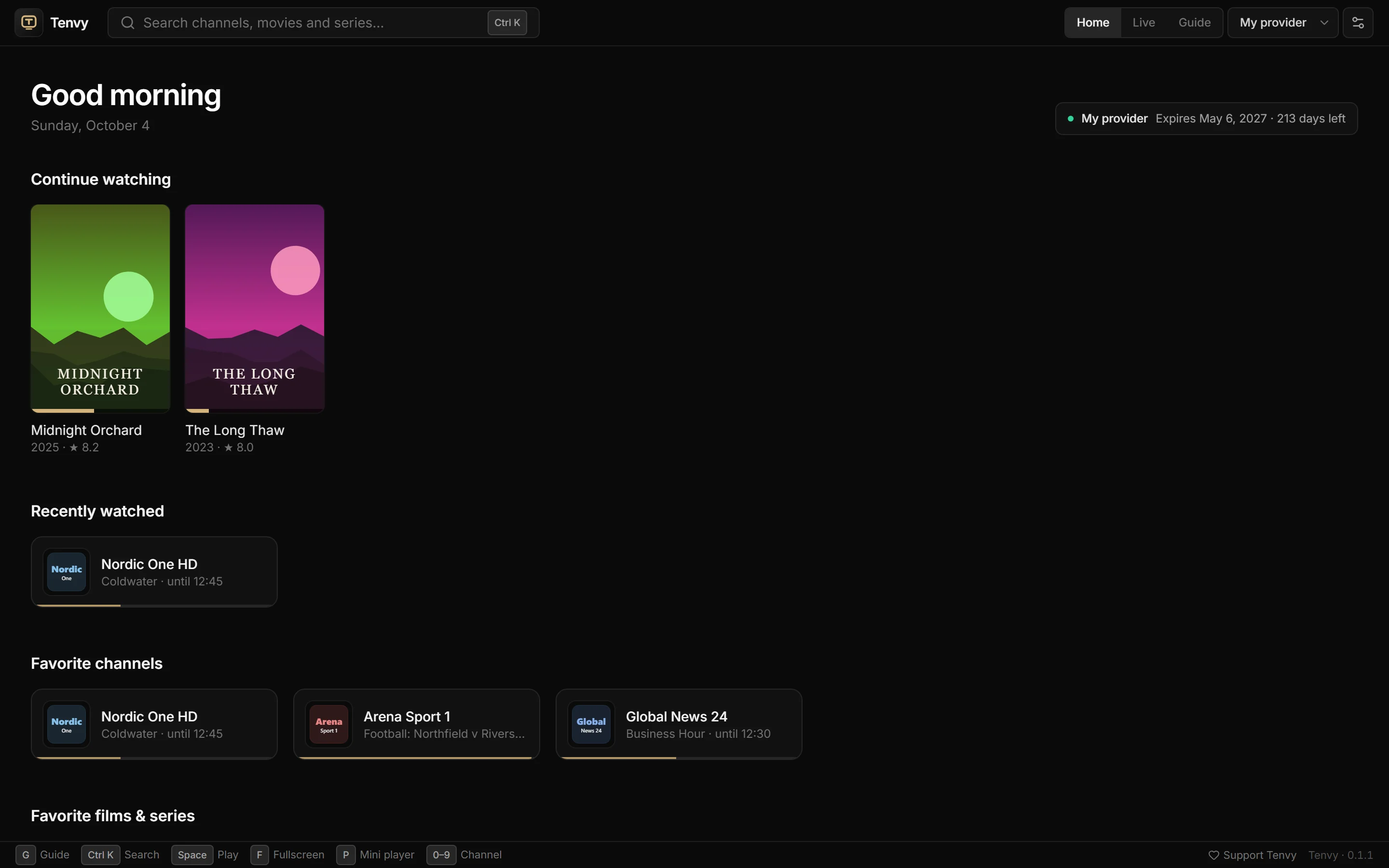
Tenvy's home screen
Library

Your films and shows, finally browsable.

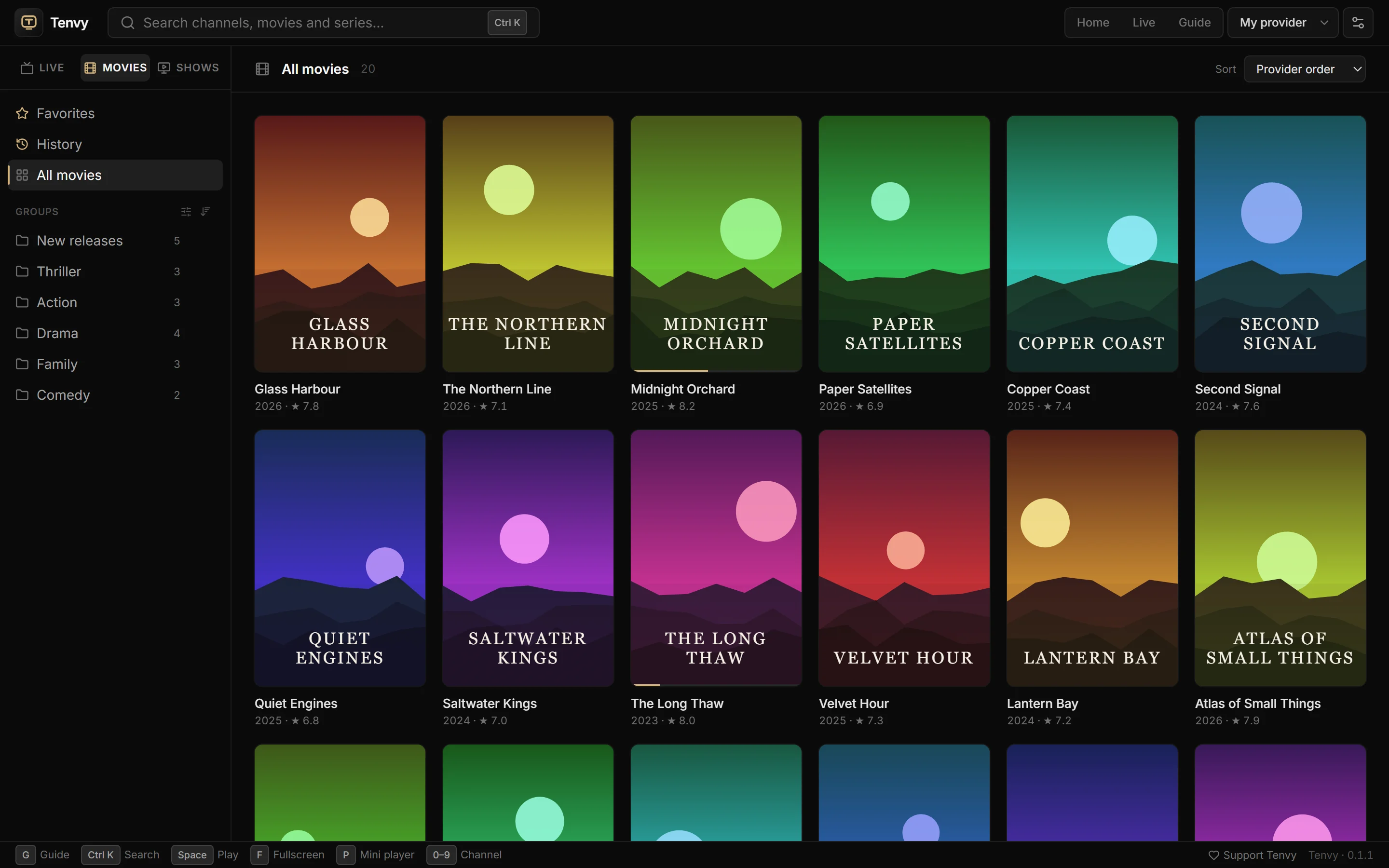
Tenvy turns a provider's long lists into a library you actually want to scroll.

  • Posters, ratings, year and plot
  • Sort by newest, rating or name
  • Resume where you left off
  • Favorites and watch history
The movie library with posters and ratings
Series

Next episode, one click away.

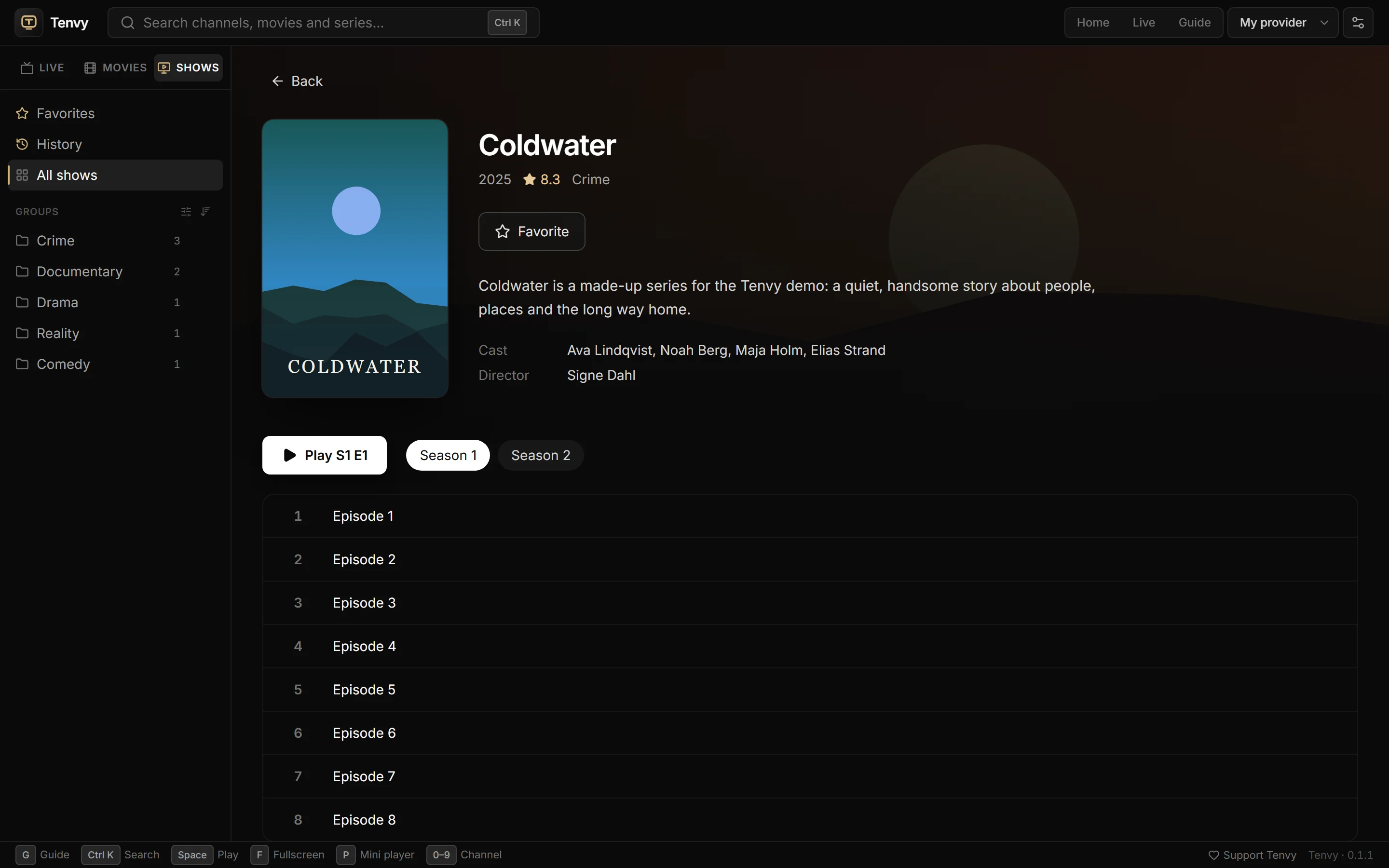
Seasons and episodes laid out properly, with the next one you haven't seen ready to play.

  • Episodes load as you open a show
  • Progress per episode
  • Plays in a full-width player
A series page with seasons and episodes
Big playlists, tamed

25 000 channels? Keep the ones you watch.

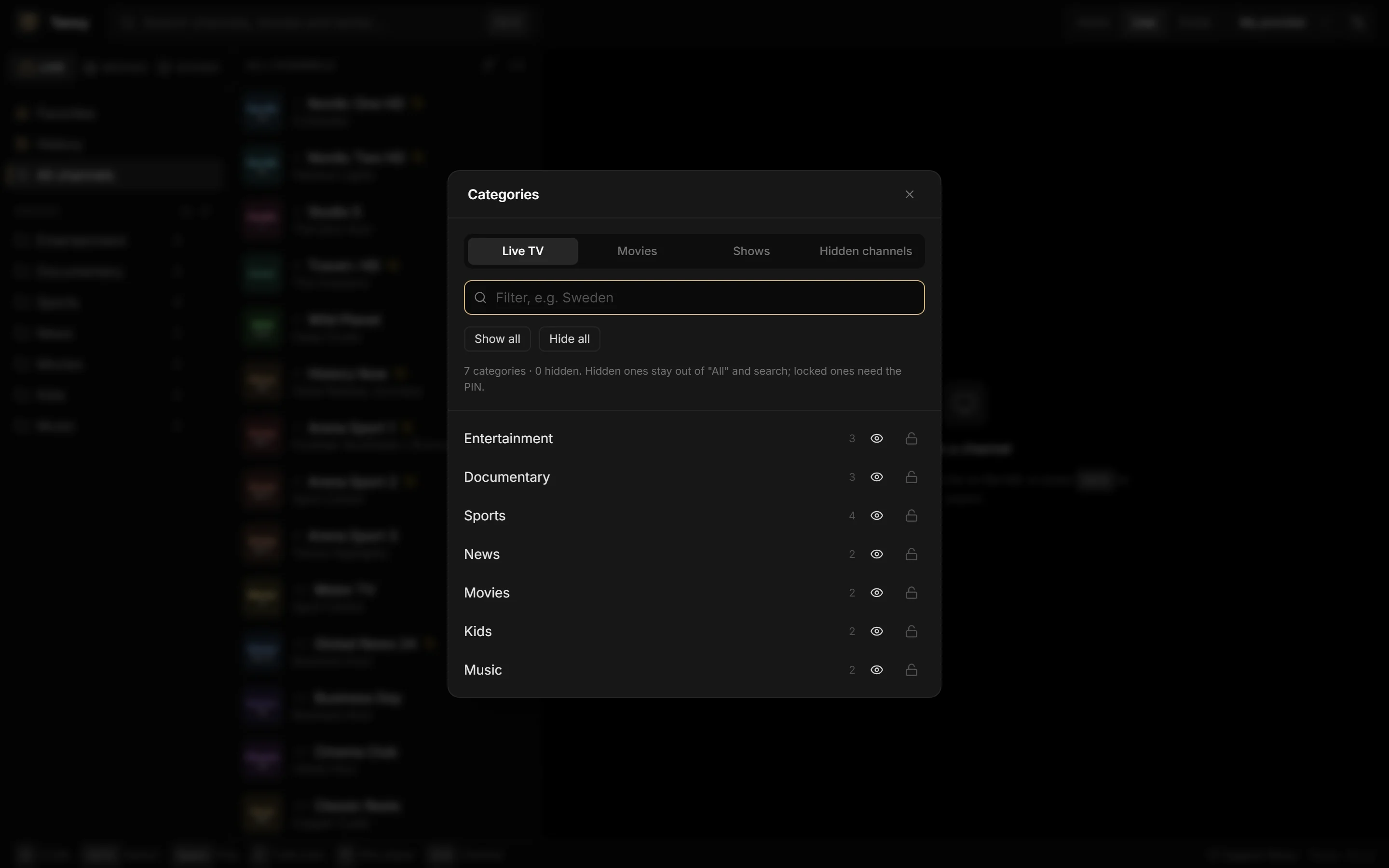
Hide whole countries in a click, keep provider section titles out of the way, and lock what the kids shouldn't see behind a PIN.

  • "Show only Sweden" — filter and hide the rest
  • Parental lock with a PIN
  • Number keys and ↑/↓ zap through your own list
Managing categories in Tenvy
Getting started

Connected in under a minute.

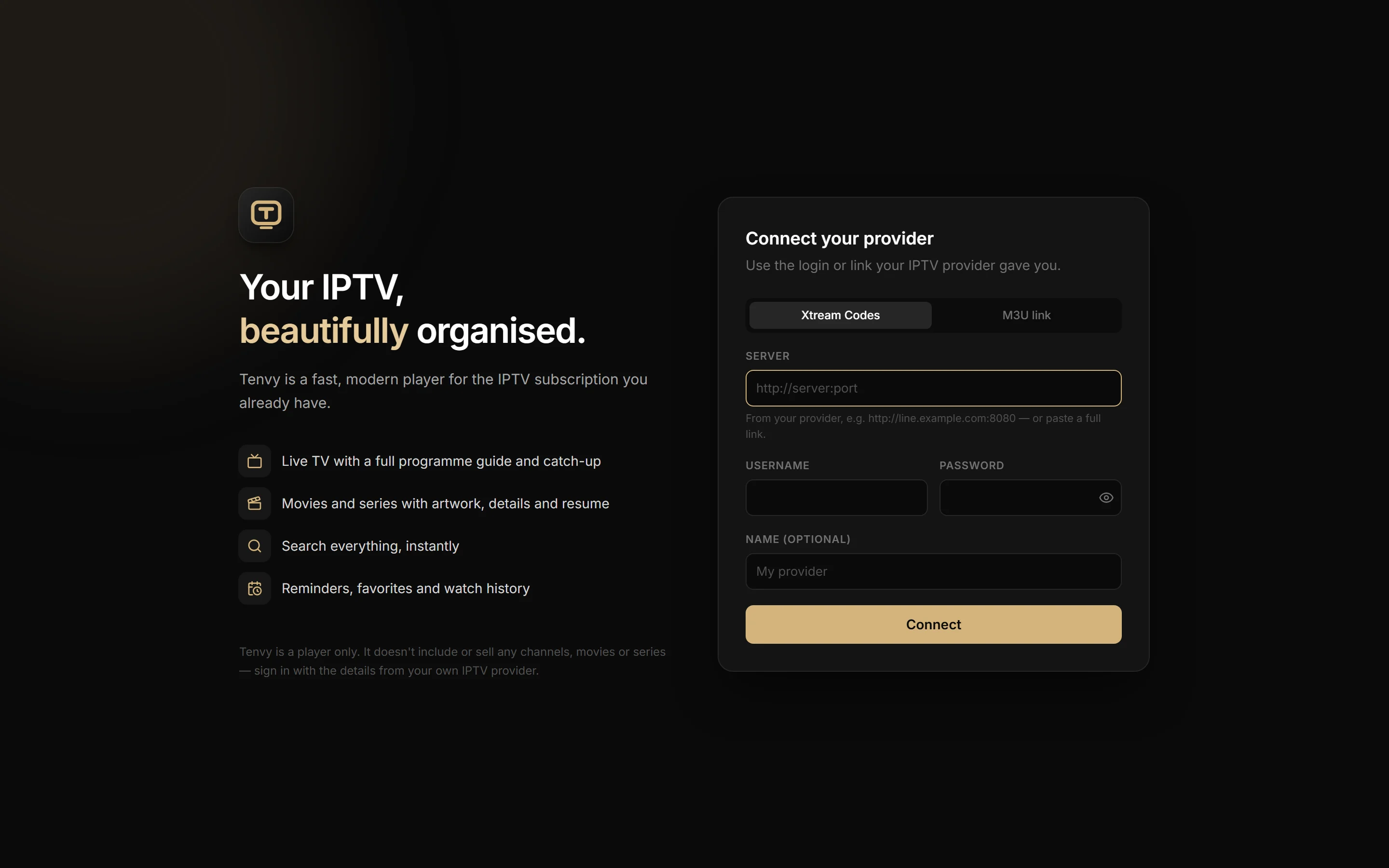
Paste the link or login your IPTV provider gave you. Tenvy fills in the rest and imports channels, films, series and the guide.

Xtream Codes M3U / M3U8 XMLTV guides HEVC · 4K · AC-3
Tenvy's welcome screen for connecting a provider
Free

Free to download. Free to use.

No account, no ads, no tracking. If Tenvy becomes part of your evenings and you'd like to help it keep getting better, you can support its development.

FAQ

Questions

Does Tenvy include any channels?

No. Tenvy is a player only — it doesn't include, sell or link to any channels, films or series. You sign in with the details from your own IPTV provider.

What do I need?

A Windows 10 or 11 PC and an IPTV subscription that gives you an Xtream Codes login (server, username, password) or an M3U playlist link.

Is it really free?

Yes. There are no ads and no account. If you like it, you're welcome to support development — entirely optional.

Windows says "Windows protected your PC". Is that safe?

That message appears for new apps that haven't yet built up a reputation with Microsoft. Click More info → Run anyway. Only download Tenvy from this page.

How do updates work?

Tenvy checks for new versions on its own and installs them with one click. Every update is cryptographically signed.

What about my privacy?

Your provider login stays on your PC. Tenvy talks to your provider to play and list content, and to this site to check for updates and settings. There are no accounts, analytics or ads. Read the privacy policy.

Where can I ask a question or suggest something?

In the Tenvy community on Discord — questions, ideas and problems are all welcome, and new versions are announced there. Please don't share or ask for providers or stream links.

Does catch-up work on every channel?

*Catch-up depends on your provider. Channels your provider archives get a catch-up marker in the guide.